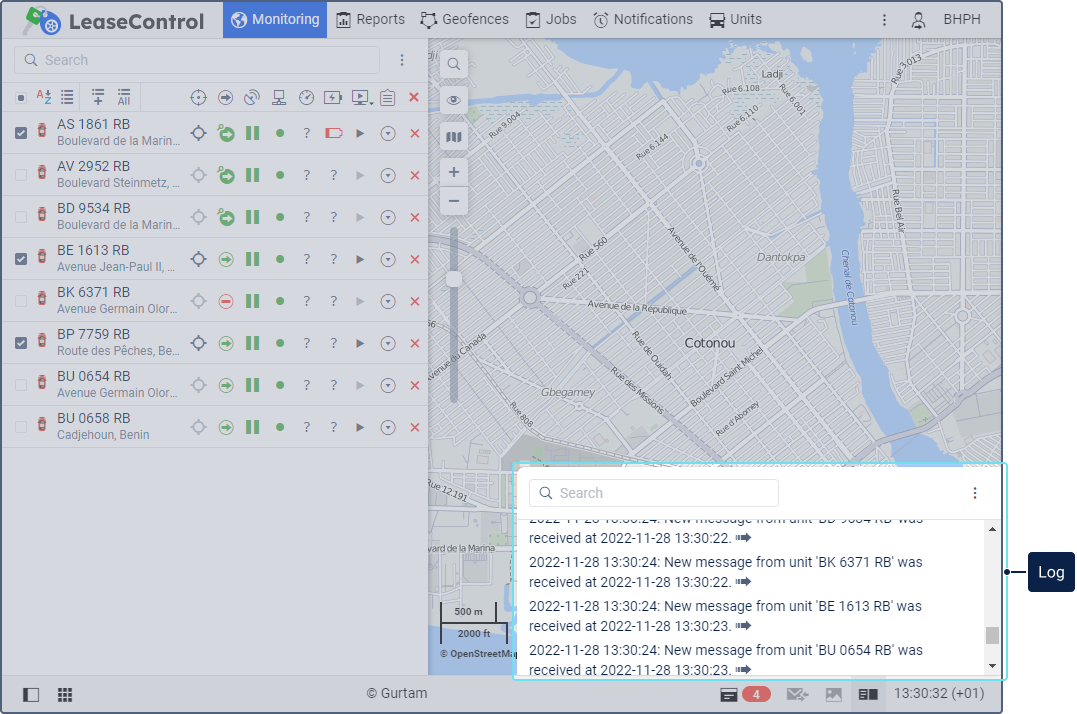
Interface
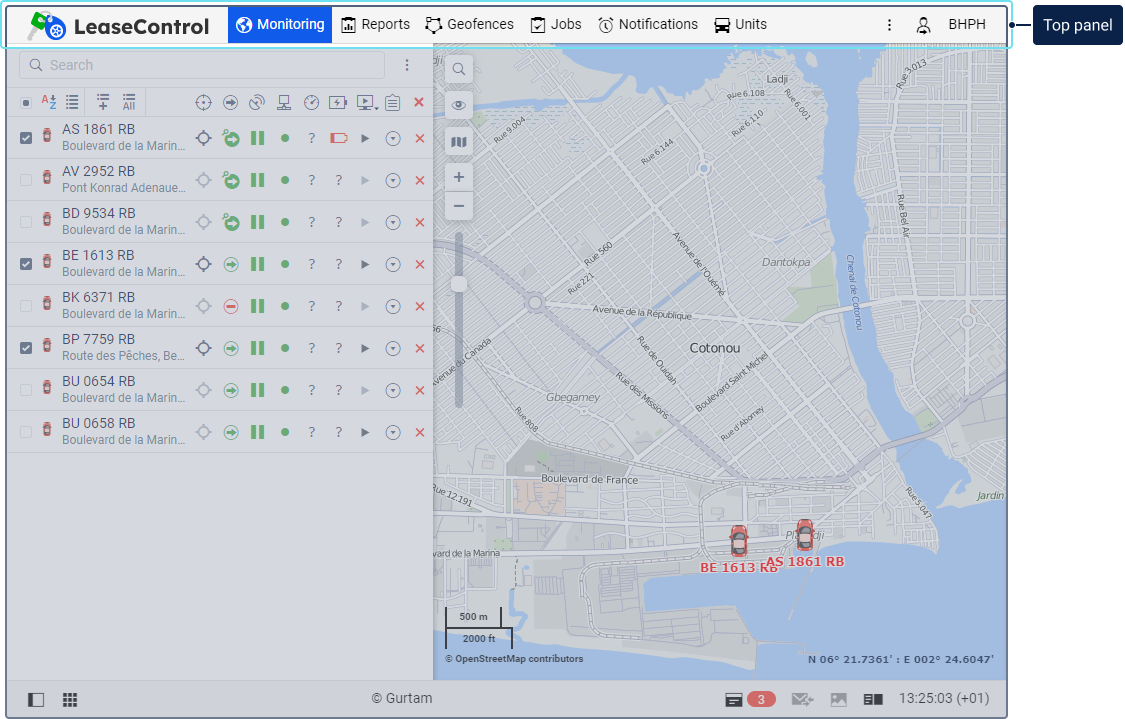
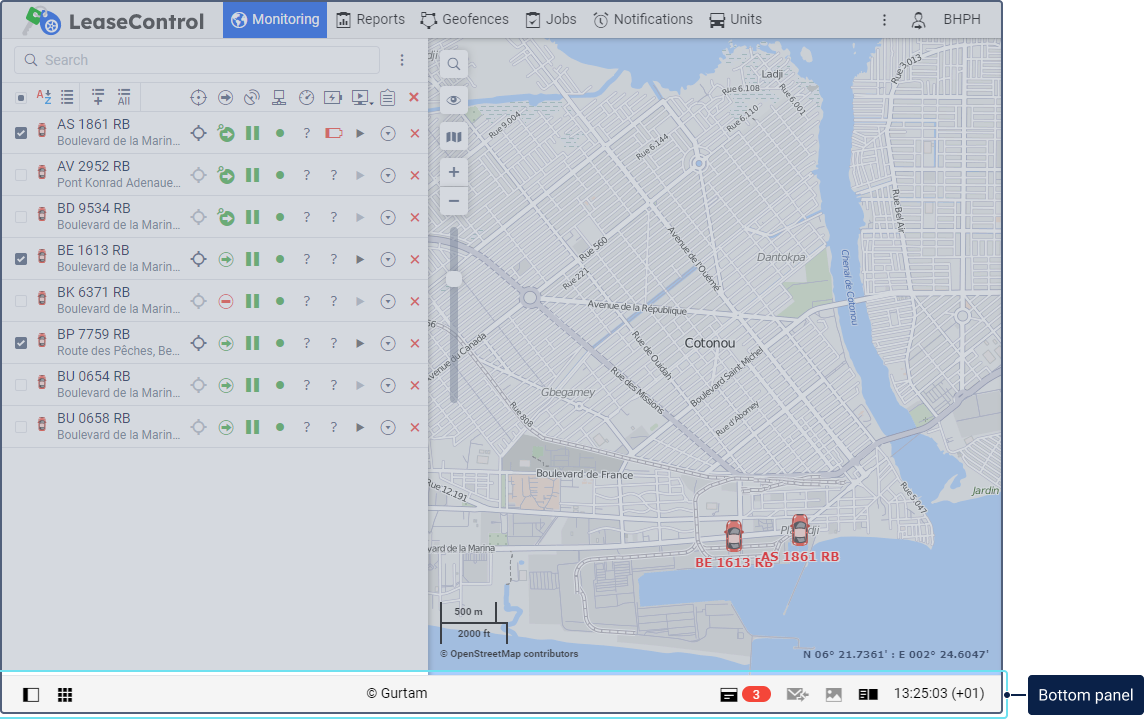
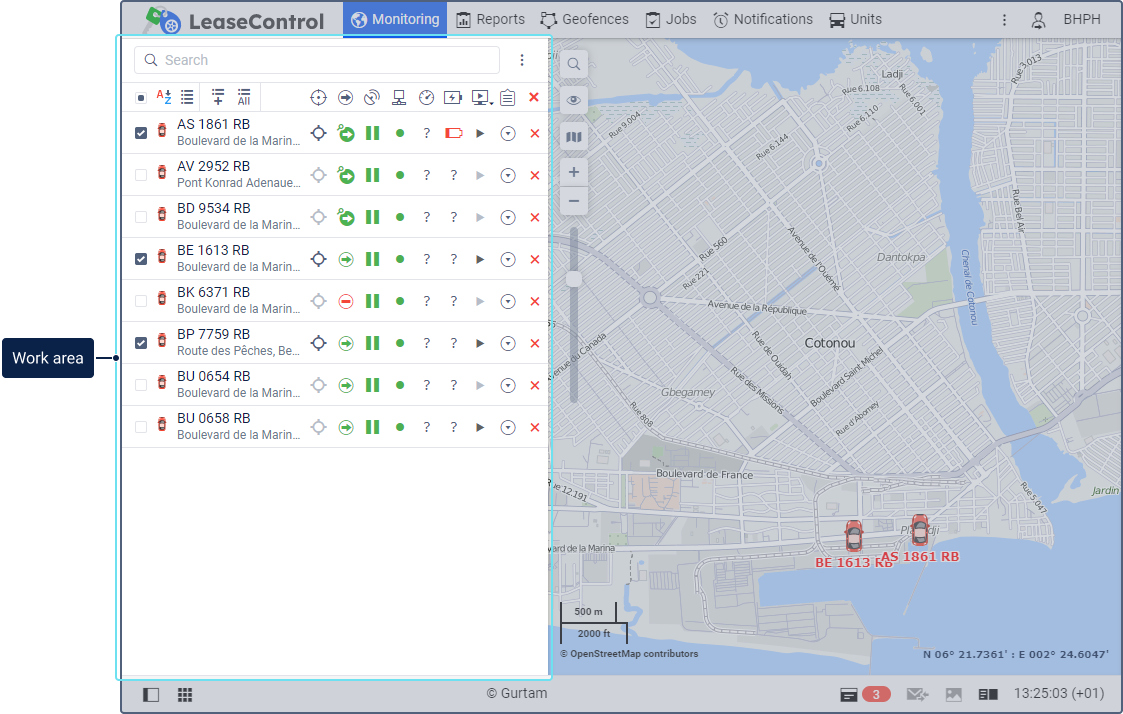
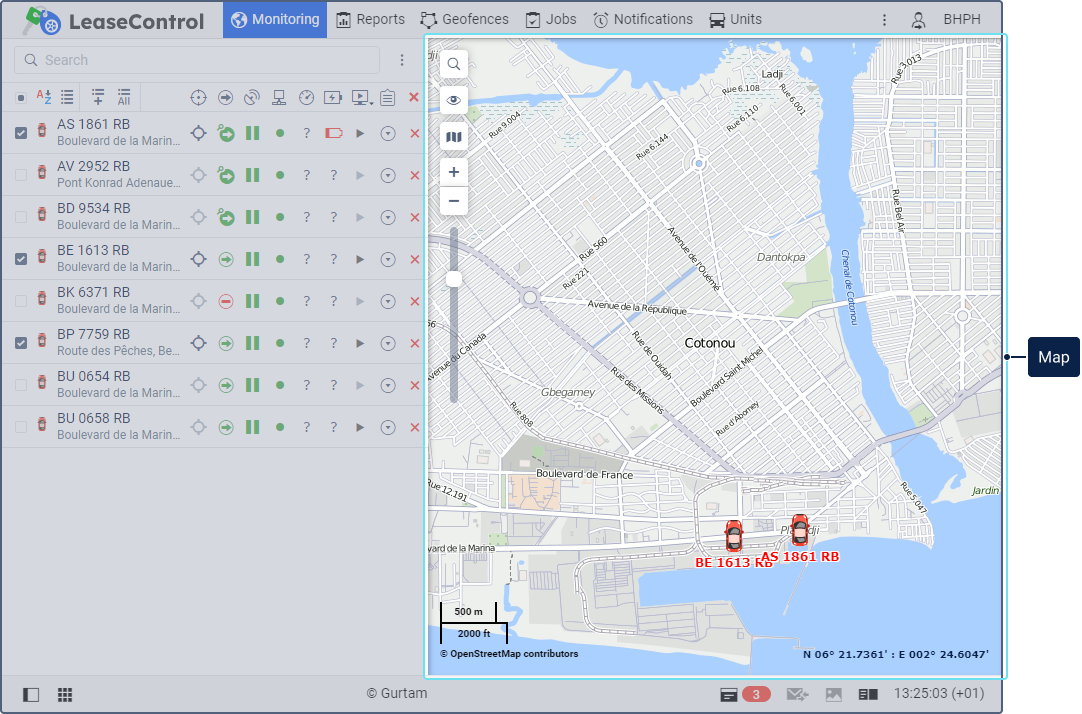
The Wialon Lite user interface consists of the following main elements:
The interface provides tooltips for buttons, icons, dialog boxes, and other elements. Additionally, help icons ( ) are available in complex sections; clicking them opens a tooltip with detailed information.
Many other panels and windows can be activated as needed.
To switch to full-screen mode, press F11 (supported by most browsers).