Interface
The window of the administration system consists of the following elements:
- top bar
- work area
- log
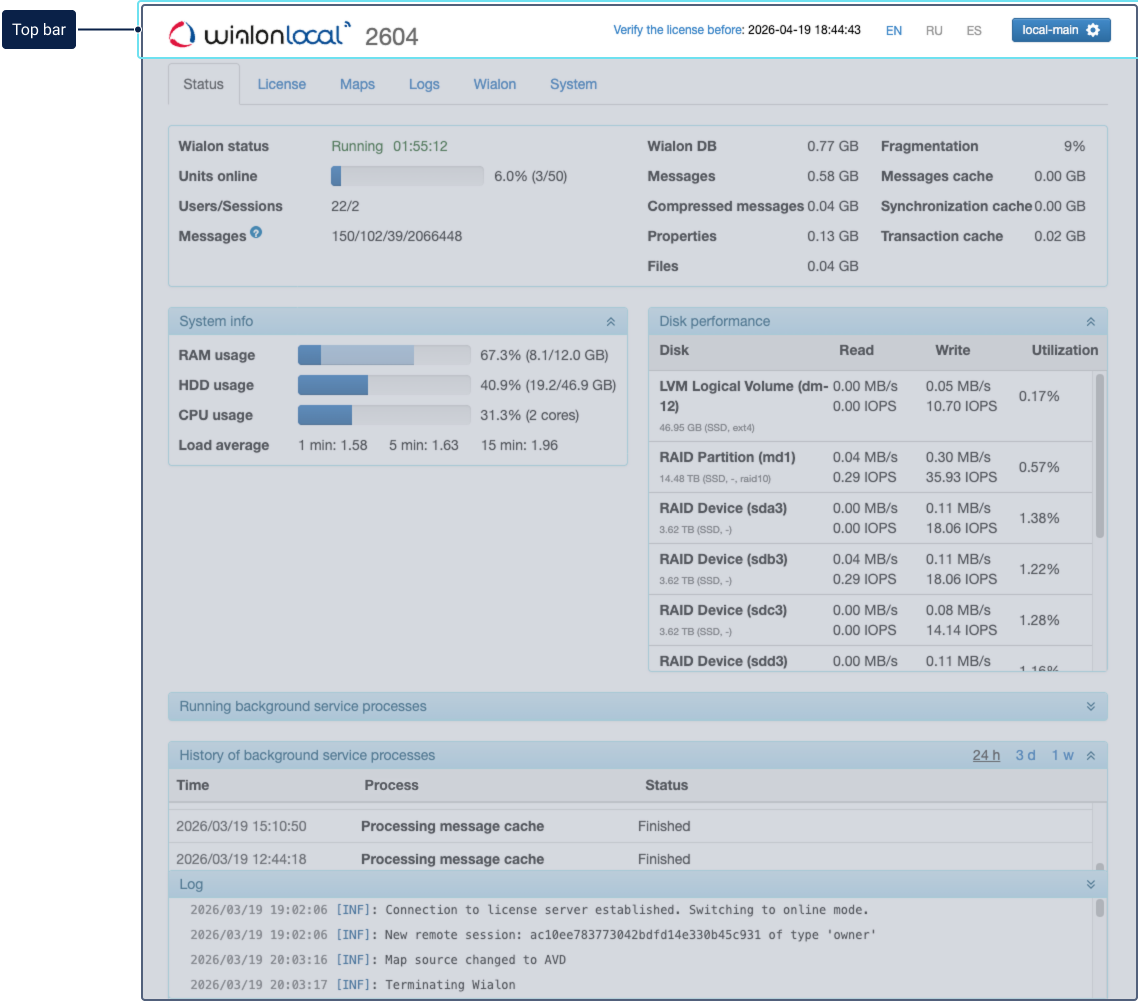
Top bar
The top bar contains the following elements (from left to right):

-
License status: displays the time until the license expires or indicates that it has already expired. Color indicators warn about upcoming or past expiration. For details, see License.
-
Language switcher: allows selecting the interface language (English, Russian, or Spanish).
-
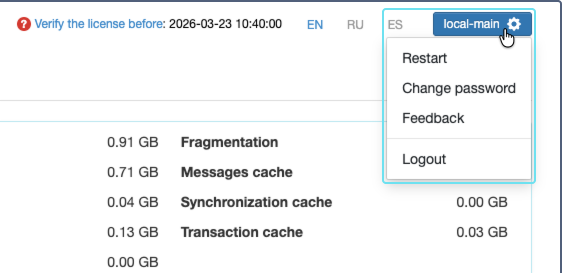
Administrator menu: a dropdown menu accessed by clicking the button with the username and gear icon. The menu includes the following options:
-
Restart: restarts the administration system.
-
Change password: opens a dialog to change the administration system password. The password must contain at least one number, one uppercase letter, and one lowercase letter.
You can change the password no more than once every 3 hours.
-
Feedback: opens a form to send feedback about the administration system. Select the feedback type (Consultation/Complaint or Suggestion/Review). The email address of the administrator is specified as the sender’s address.
-
Logout: logs you out of the administration system.
-
Work area
In the work area, you can perform different administration tasks depending on the selected tab:
To learn more about each tab, follow the links.
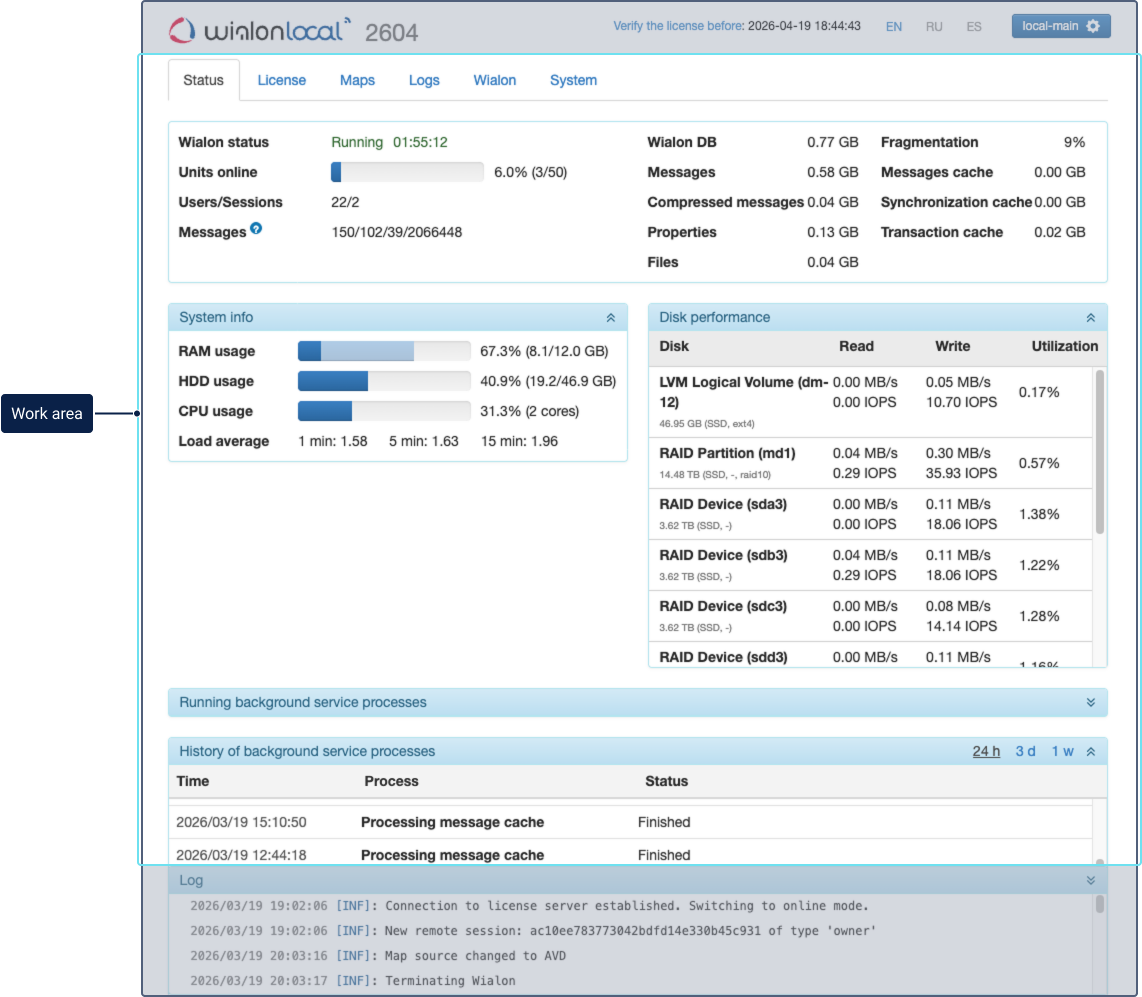
Log
A log is located at the bottom of the screen. It displays information about current events that take place in Wialon Local. For example, about starting or stopping it, the availability of updates, the installation of components, etc. When the page is reloaded, all events are removed from the log.

Each log entry includes a severity level tag (such as [CRI], [ERR], [INF], and others) and is displayed with syntax highlighting. Critical or error messages are highlighted with a red background for quick identification.