Violations
In the Violations table, you can get information about violations registered for the unit. Violations are a particular case of events.
Violations can be recorded in two ways:
- with the help of notifications if Register as violation is selected as an action;
- with the help of manually registered custom events if they have the Violation box checked.
To show some specific violations in the table, in the table settings in the Interval filtering section you can specify an event mask. According to it, only those violations will be selected, the text (description) of which fits the specified conditions of the mask.
Below is the information which can be presented in the Violations table.
| Column | Description |
|---|---|
| Violation time | The time when the violation happened. |
| Time received | The time when the server received the data. |
| Violation text | The text of the notification or the description of the event. |
| User | The name of the user who registered the violation. If the violation was registered automatically, the field contains the name of the creator of the resource to which the notification belongs. The user name is hidden if you don’t have access rights to view it. |
| Location | The unit location at the moment of the violation. |
| Driver | The name of the driver (if identified). |
| Count | The number of violations. |
| Notes | An empty column for your custom comments. |
| Video | Video files received from the unit. |
| Image | The images received from the unit. Viewing images in reports and the functions available while doing this are described here. |

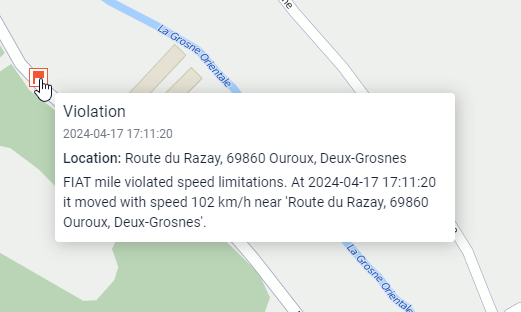
In addition, you can use special violation markers for this table.