Restoring and exporting unit properties
To restore the unit properties, you should have the following access rights:
- rights to all the unit properties, regardless of which properties you want to restore;
- right to delete the object;
- rights to perform actions with files.
Additionally, the function of restoring resources and unit properties must be enabled in the administration system.
The buttons for restoring and exporting the unit properties are displayed at the bottom of the General tab.
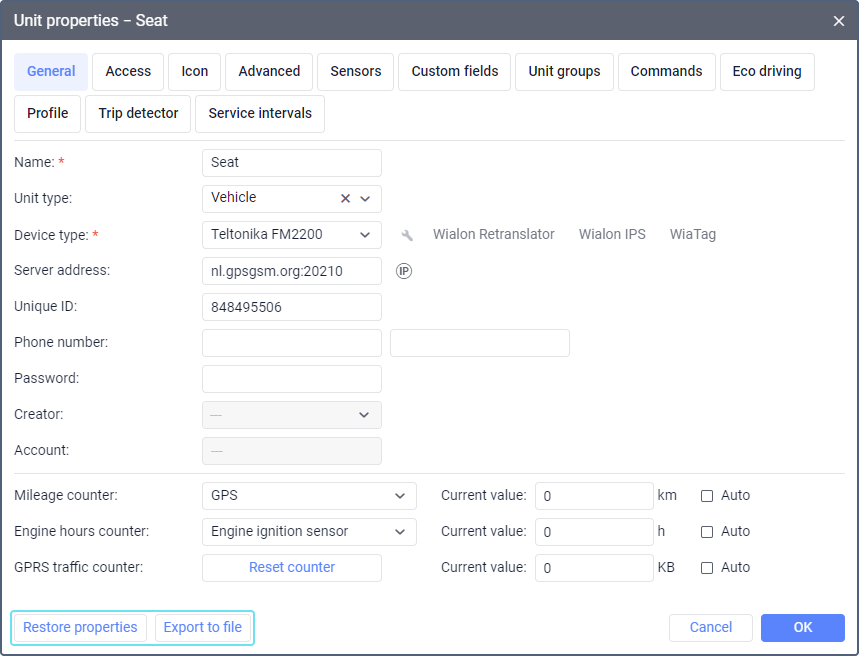
Restoring unit properties
If you change or delete data on a certain tab of the unit properties by mistake, you can restore it. The number of days for which property settings are available for recovery depends on the Restore resources and unit properties setting in the administration system. These settings are saved automatically on the server once every 24 hours.
To restore the version of settings for a certain day, follow these steps:
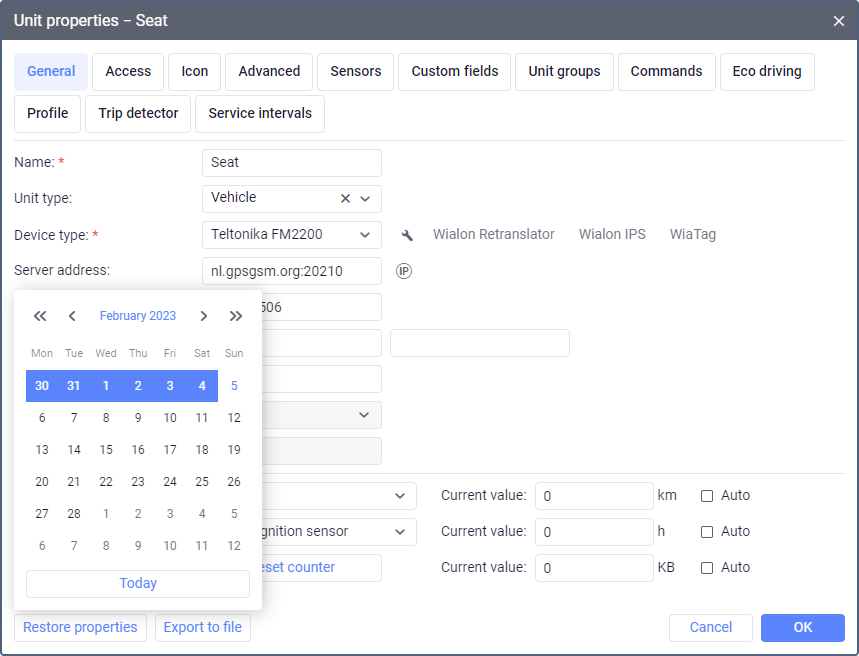
- Click on the Restore properties button.
- In the calendar, select a date for which you want to restore the settings. The dates with the available saved settings are highlighted in blue.
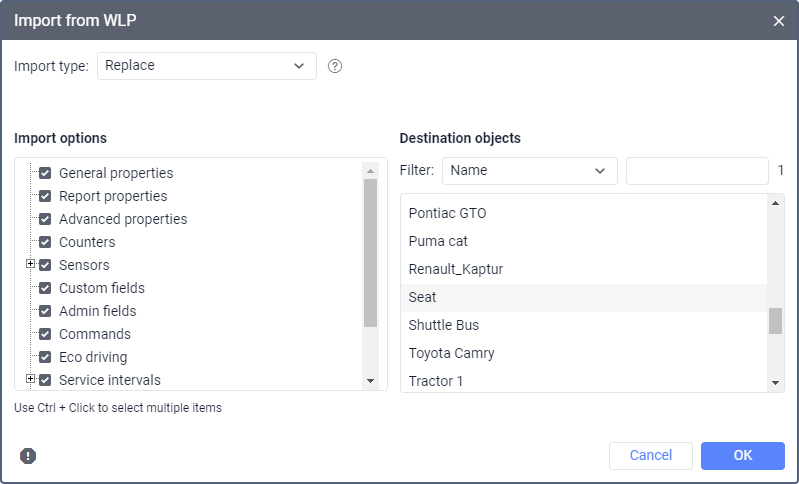
- In the window that opens, select the properties you want to restore and click OK.
Exporting unit properties
Using the Export to file button, you can save the selected data from the unit properties to a separate file in the WLP format. For a detailed description of the function, go to the Export to WLP page.