Geofences
Geofence is a limited area on the map that can be used for monitoring purposes.
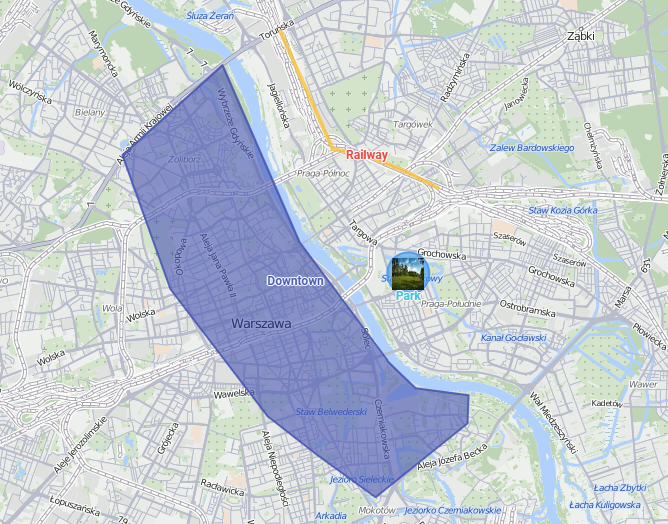
Geofences can be used in reports, routes, notifications. For example, different types of actions can be triggered when the unit crosses the borders of geofences.
Creating a geofence
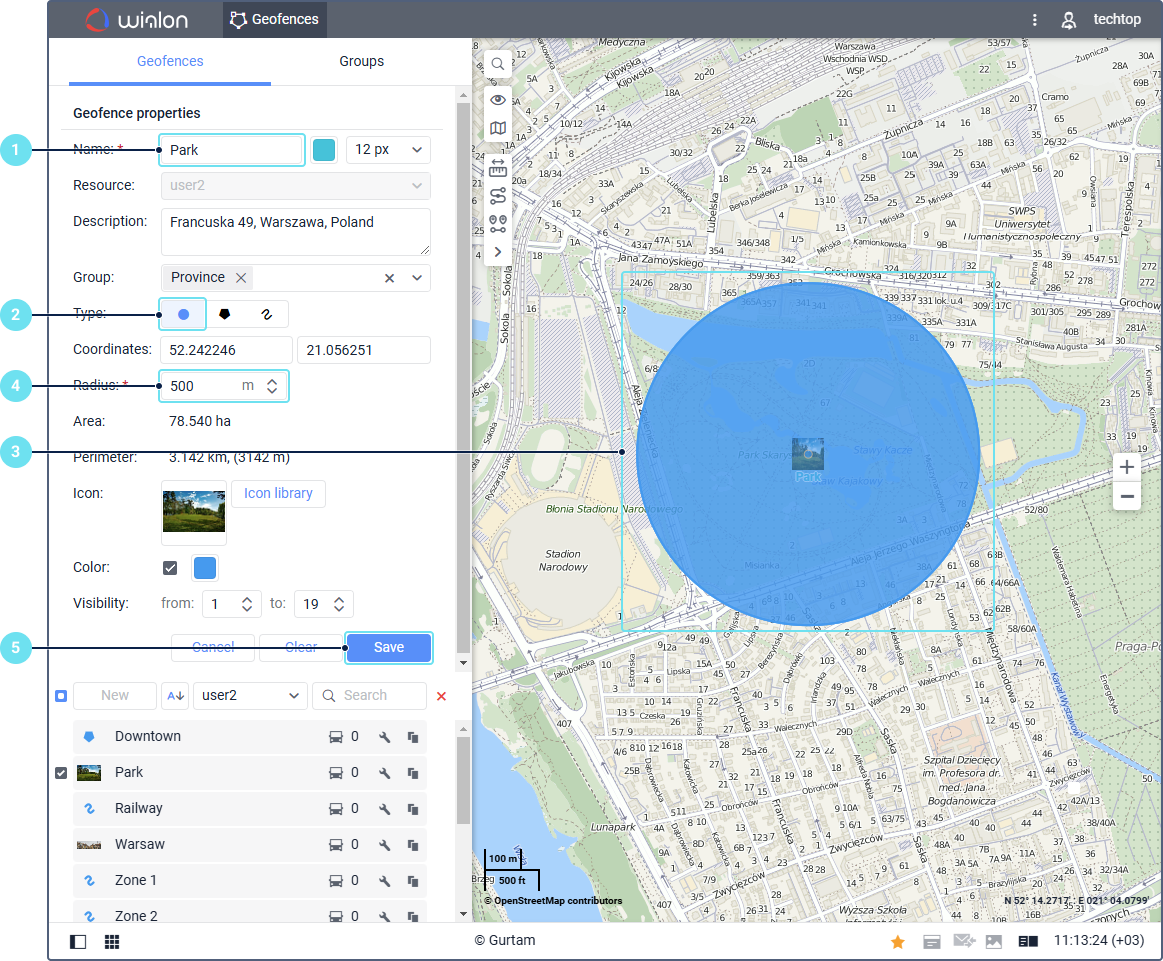
To create a geofence, follow the next steps:
-
Specify the geofence name.
-
Select the Circle type.
-
Mark the center of the geofence on the map (double-click on the required place).
-
Specify the geofence radius.
-
Click Save.
-
To view the saved geofence on the map, select it in the workspace.
To create geofences of more complex shapes, select the Polygon or Line type. In this case, you should mark a few points on the map to form the borders.