Monitoring
The Monitoring tab displays the work list of units. The created unit is automatically added to the work list.
To see the last known location of the unit on the map, click on its name in the list. To view additional information about the unit, hover the cursor over its name in the list or the icon on the map.
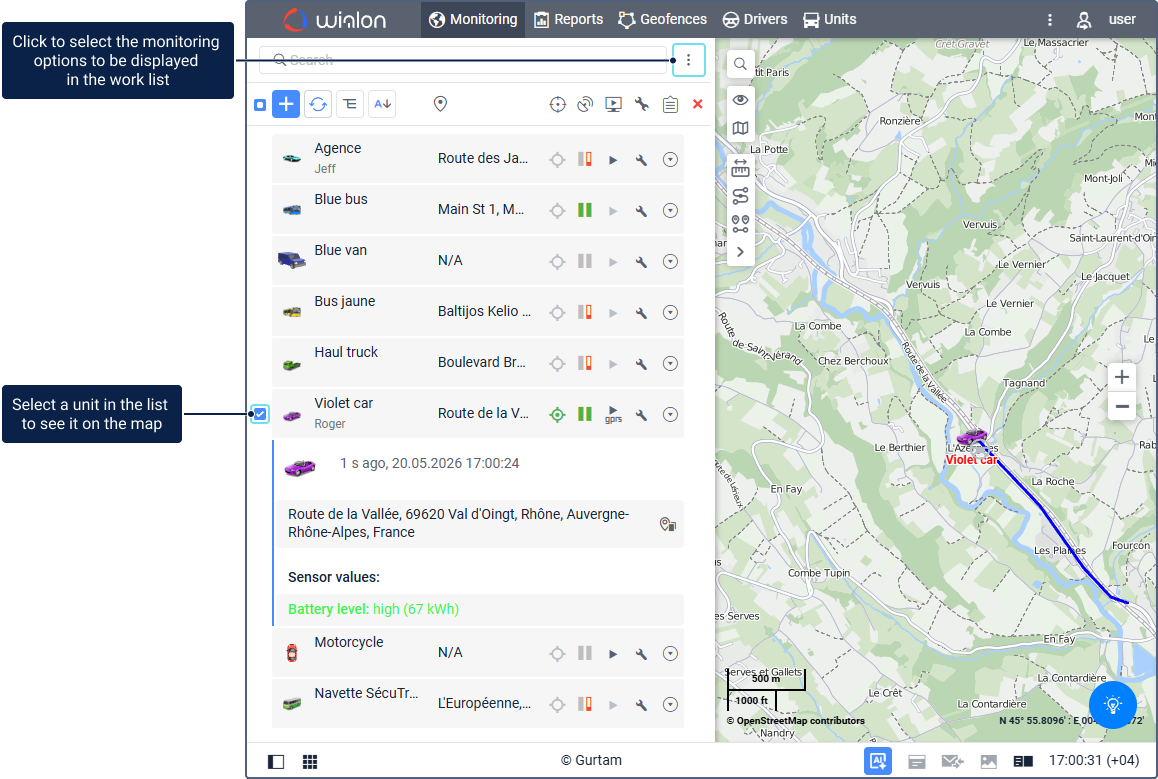
On the Monitoring tab, you can find the main features associated with monitoring. In the list, next to the name of the unit you can find the monitoring options, that allow you to assess the state of the unit and perform some actions on it.
To adjust the set of icons of the monitoring options, click on the button  in the upper right corner of the workspace.
For more information, see the Monitoring options page.