Unit visualization
In this section, you can configure the way units are displayed on the map.
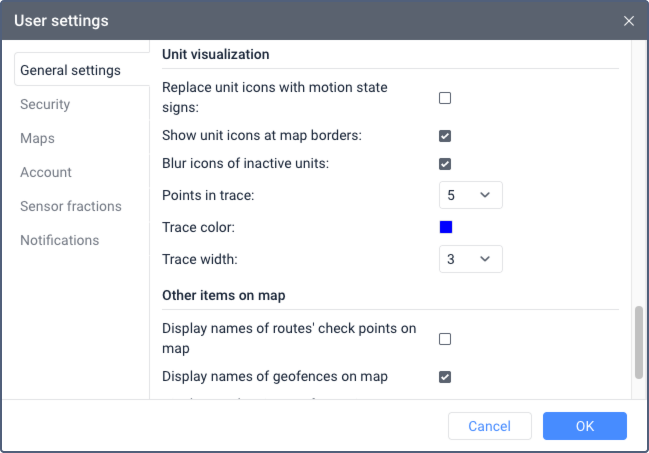
The following settings are available:
| Setting | Description |
|---|---|
| Replace unit icons with motion state signs | Enable this option in order to replace all unit icons by conventional signs showing their motion state. For details, see Unit on the map. |
| Show unit icons at map borders | This option allows displaying unit icons at the map borders if the units are outside the visible area. Click on the icon to go to the unit. |
| Blur icons of inactive units | Enable this option in order to display inactive units on the map with blurred icons. |
| Unit trace | In order to display a track line behind a moving unit, configure the following parameters:
The unit trace is visible on the map if the layer with the same name is activated. |
The Display overlapping units in one icon option and the icon selection for such units are configured on the map. For details, see Unit display settings.