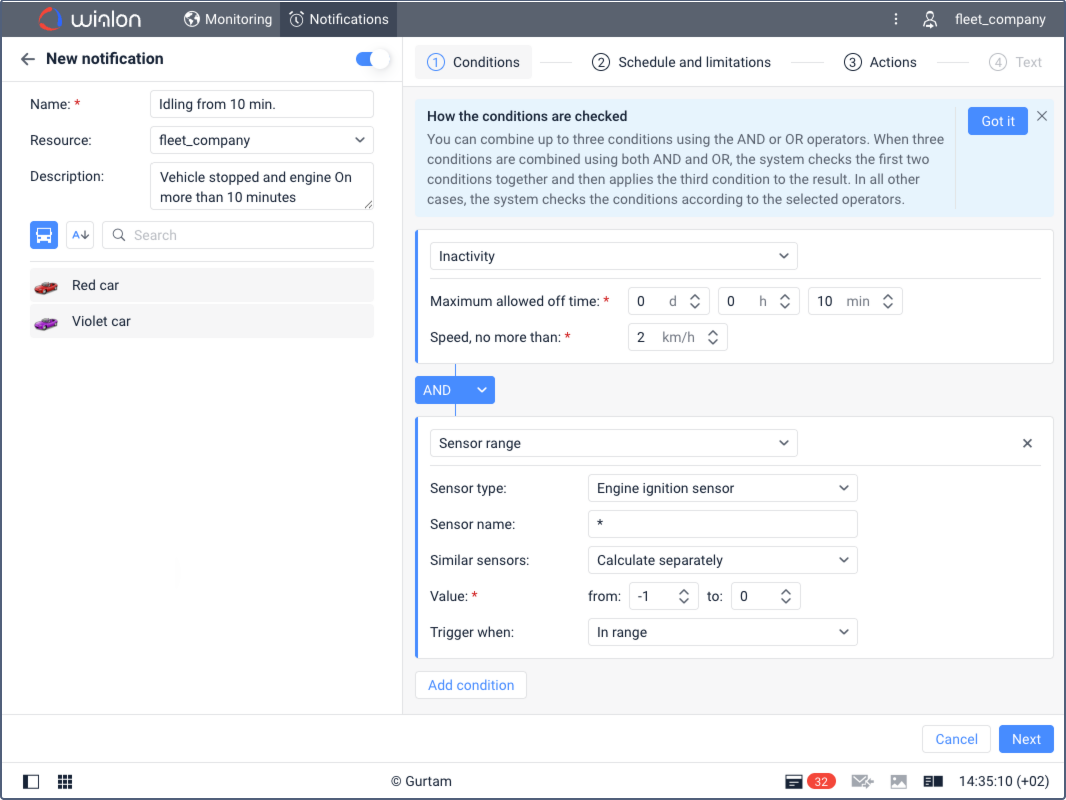
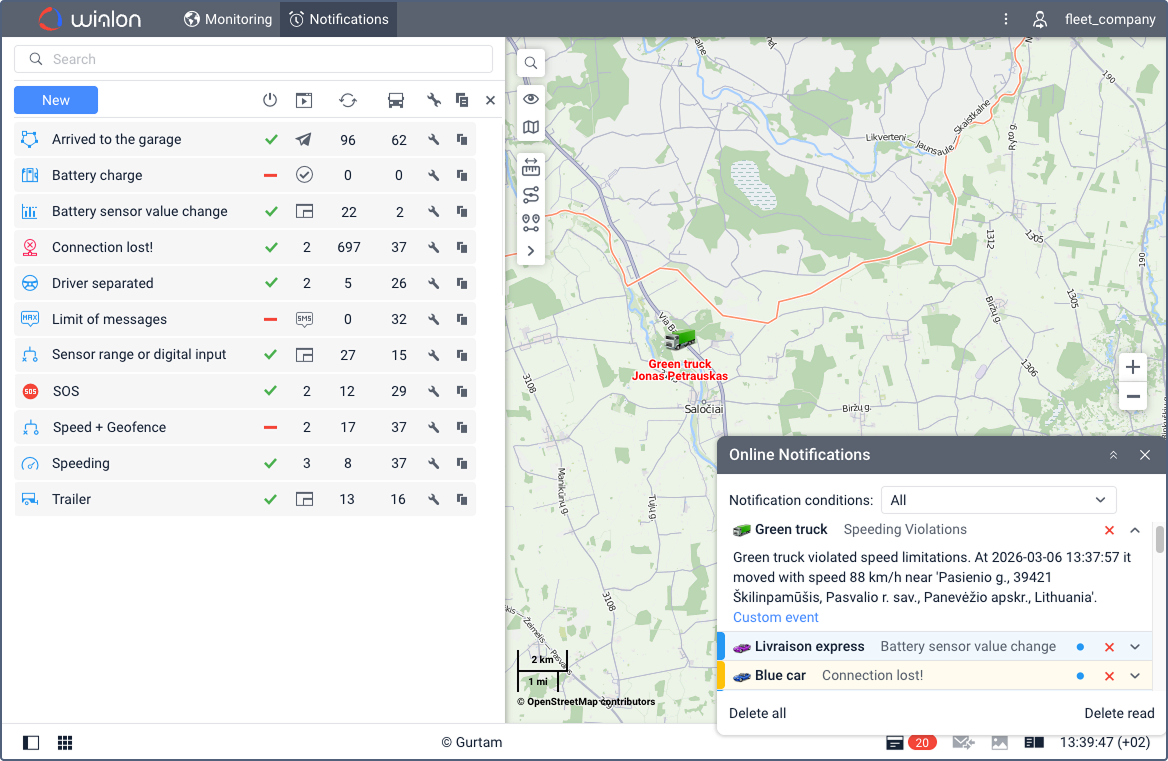
“Notifications” tab overview
This page describes the redesigned notification system with updated combining logic, flexible condition building blocks, and a new full-screen interface. If your account hasn’t been upgraded to the new notification system yet, refer to the previous version of the Notifications documentation.
The Notifications tab is visible when the Notifications service is enabled for the account or billing plan.
This tab has two views:
- Notification management list and map. In this mode you can enable or disable notifications, search and filter them, and so on. See Managing notifications on the tab.
- Notification configuration and editing. See Creating notifications.