Geofences
The Geofences module allows you to create virtual perimeters around specific geographic areas on the map. These geofences can represent customer locations, operational zones, restricted areas, or entire countries. By monitoring when vehicles enter or exit these zones, you can trigger automated alerts, generate reports, and enhance operational control and security.
Geofences can be used to monitor vehicle movement, automate reporting and vehicle location-related processes.
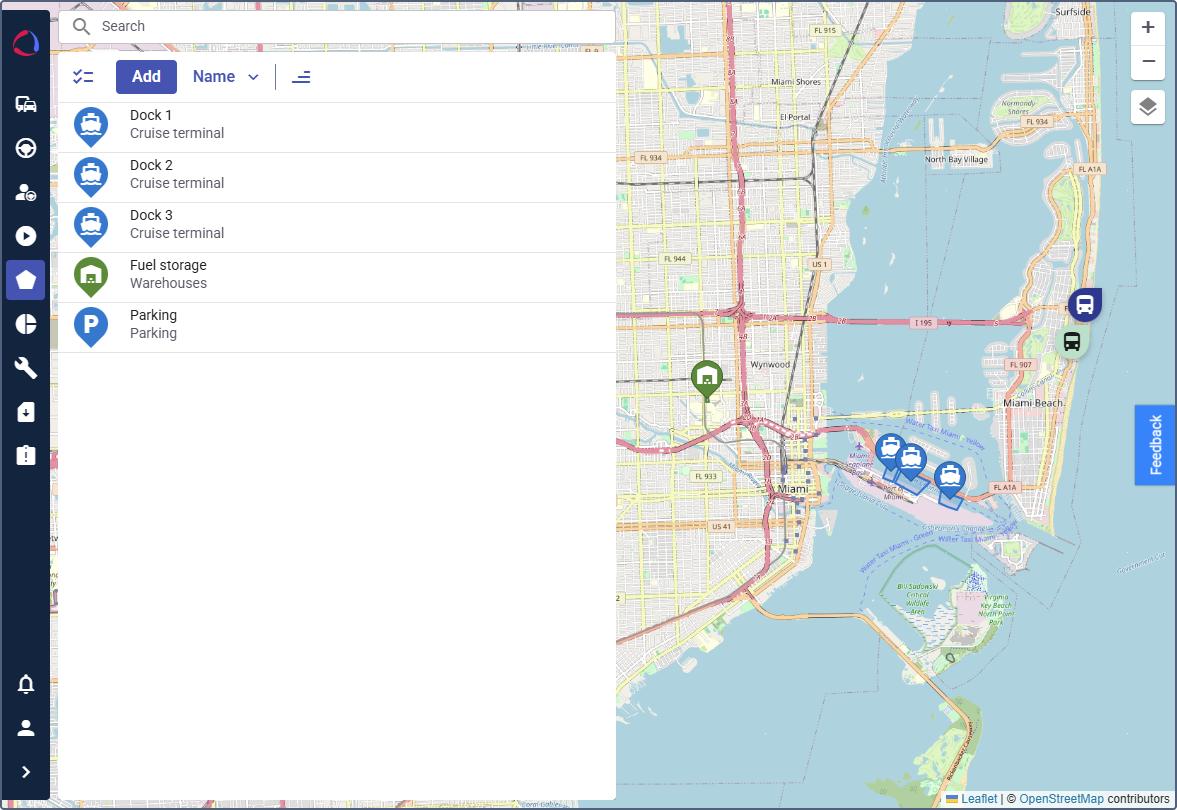
Configuring and using the module includes the following steps:
- Creating geofence groups
- Creating a geofence
- Using geofences in automations
- Using geofences in reports
See the example of integrating geofences into your automated workflows on the Alerting when a vehicle leaves the country page.
Available features
Once the module is enabled, the Geofences functionalities are accessible for the selected customer.
Features in Wialon Platform Studio become available automatically. Features in Wialon Platform FleetSpace must be added and configured manually.
Wialon Platform Studio
- Tabs: Geofence groups
- Automations: Logical expression
- Settings: Geofence additional properties
Wialon Platform FleetSpace
- Pages: Geofences, Geofence details
- Reports: Geofences
- Widgets and actions: Devices in geofence (list), Geofence count (cell and chip), Vehicles by geofence (pie chart), Geofence properties (table), Geofence list entry. See Configuring geofence widgets.