Maintenance
The Maintenance module is a comprehensive tool designed to streamline the routine and preventative care of your fleet’s vehicles. By automating maintenance schedules and tracking service history, this module ensures your vehicles operate efficiently, safely, and in compliance with regulations. Using Maintenance can help minimize unexpected breakdowns, reduce operational costs, extend vehicle lifespan, and enhance driver safety, ultimately leading to improved productivity and profitability.
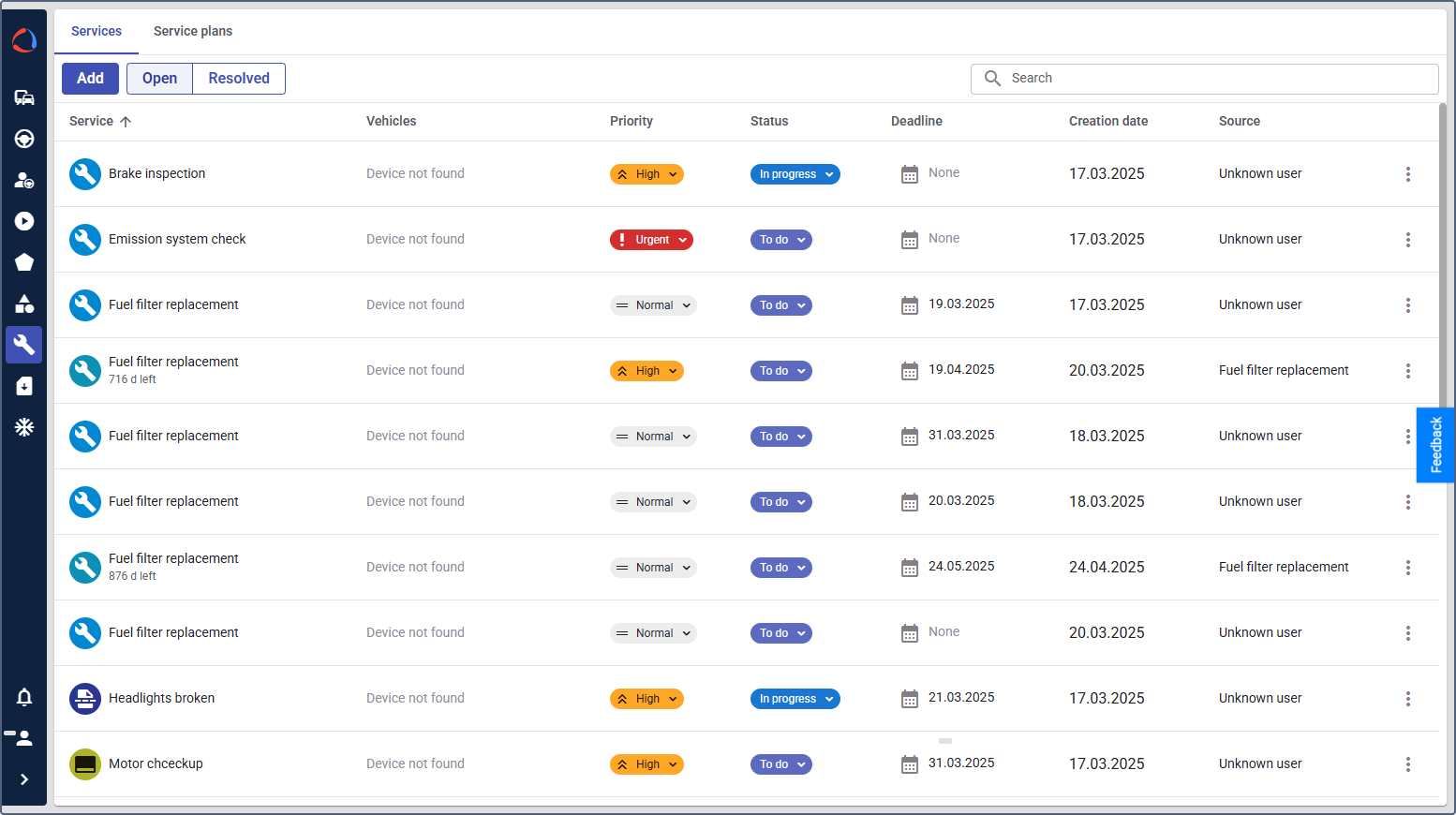
This guide provides step-by-step instructions covering the standard tasks for the service providers (telematics service providers), fleet managers and service technicians.
Configuring and using the module includes the following steps:
- Setting up custom fields
- Enabling chips and widgets for the Devices tab
- Configuring maintenance widgets for Dashboard
- Creating a service plan
- Creating a service
- Setting up customer notifications for timely maintenance
- Creating a service automatically based on vehicle data
- Managing services and service plans in Wialon Platform FleetSpace
Available features
Once the module is enabled, the Maintenance functionalities are accessible for the selected customer.
Features in Wialon Platform Studio become available automatically. Features in Wialon Platform FleetSpace must be added and configured manually.
Wialon Platform Studio
- Automations: New service, Service due info
- Action templates: Create a service
- Settings: Maintenance additional properties
Wialon Platform FleetSpace
- Pages: Maintenance, Service details, Service plan details
- Widgets on the Dashboard: Total service costs, Maintenance cost, Downtime change over time, Downtime per vehicle, Created services, Mean time between repairs, Mean time to repair, New service costs, Services metric (value card). See Configuring maintenance widgets for Dashboard.
- Widgets for devices and drivers: Create service, Upcoming services