Connectivity
Connectivity settings define how telematics data moves between your hardware, Wialon Platform, and external systems. You configure them in Wialon Platform Studio.
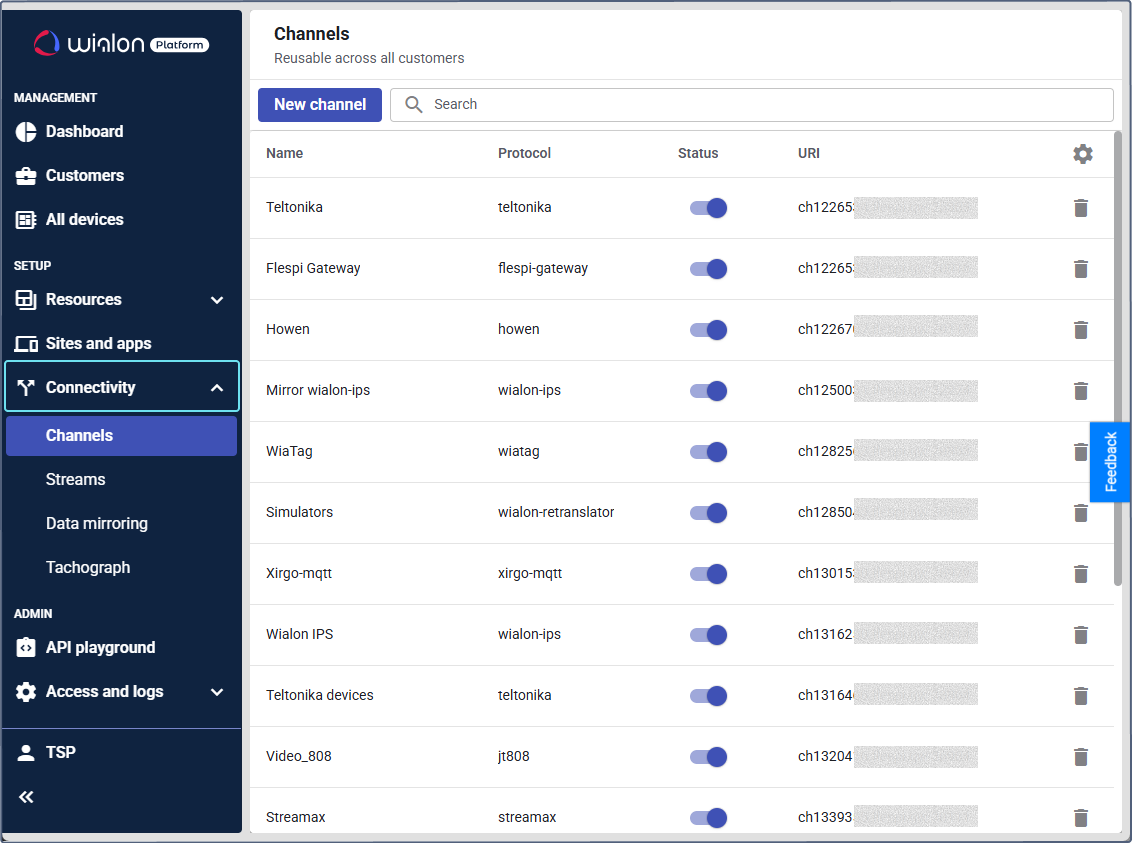
Before your customers can monitor their fleets in Wialon Platform FleetSpace, the devices must send data to a channel. A channel is the entry point for a specific device protocol. Once the data arrives, you can also forward it to third-party systems or migrate an existing Wialon Hosting account without reconfiguring the hardware.
To set up connectivity, see the following pages:
- Connecting devices to a channel: Create a channel for the required protocol and direct your devices to it.
- Streaming device data from Wialon Platform: Send raw device data to other telematics platforms or external systems in real time.
- Mirroring devices from Wialon Hosting: Copy raw device data from a Wialon Hosting account and redirect it to a Wialon Platform channel.