Tachograph control
The Tachograph control module allows you to monitor real-time tachograph data, request tachograph files manually and automatically, download them to your computer, and track file download deadlines. It also enables the automatic driver creation, assignment and unassignment.
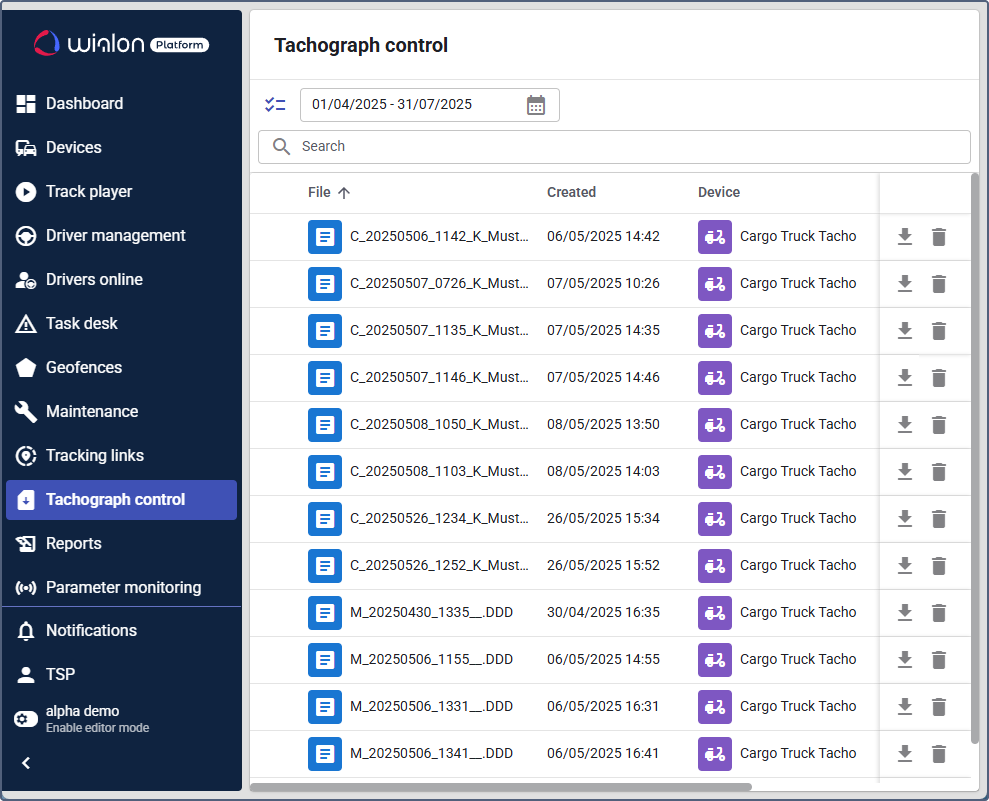
The Tachograph control module is currently supported for these devices:
- Queclink: GV300CAN, GV355CEU, CV200
- Ruptela: HCV5, HCV5 Lite, FM-Tco4 HCV
- Teltonika: FMC150, FMC250, FMC640, FMC650, FMM640, FMM650, FMB630, FMB640, FMB641, FM6300, FM6320
- Xirgo: XT-4750
- Xirgo-mqtt: XG3700 TACHO SDK, LX45
- BCE: FMS500 Tacho, FM-500 Tacho
- Squarell: REMOTE
- Assistant Telematics: AVT110
This guide provides step-by-step instructions covering standard tasks for service providers and fleet managers. Fleet managers work in Wialon Platform FleetSpace, whereas the service provider’s tasks require access to the Wialon Platform Studio.
Configuration steps
To start using the module, complete the following steps in order:
- Enabling the “Tachograph control” module for a customer
- Setting up the “Tachograph control” module
- Configuring the tachograph functionality for a device
Working with tachograph data
After the module is configured, the following features are available: