Logging in to Wialon Driver
Who can do it: Customer driver
Where: Wialon Driver mobile app
To log in to Wialon Driver, the driver must get the credentials from the fleet manager and follow the next steps:
-
Open the Wialon Driver application on the mobile device.
-
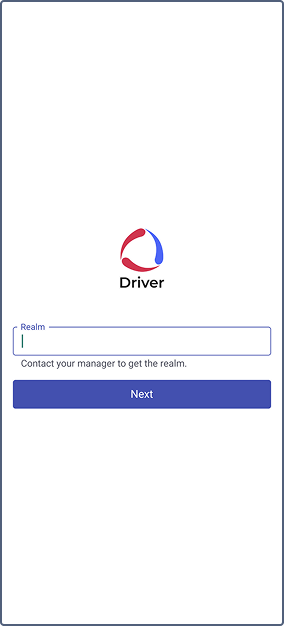
Enter the Realm ID provided by the fleet manager (customer). The Realm ID is automatically saved on the driver’s mobile device for further logins.
-
Click Next.
-
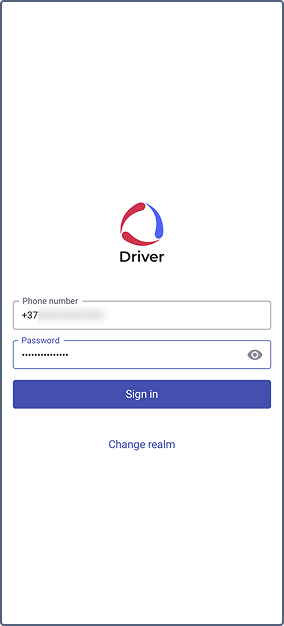
Enter the phone number and the password provided by the fleet manager.
-
Click Sign in to log in to the application.
If you need to change the realm ID during your next login, click Change realm and follow the steps 2-3.