Viewing the audit log
Who can do it: Service provider
Where: Wialon Platform Studio
The audit log is a dedicated tab on the Administration page where you can view all operations performed on items in customers’ accounts.
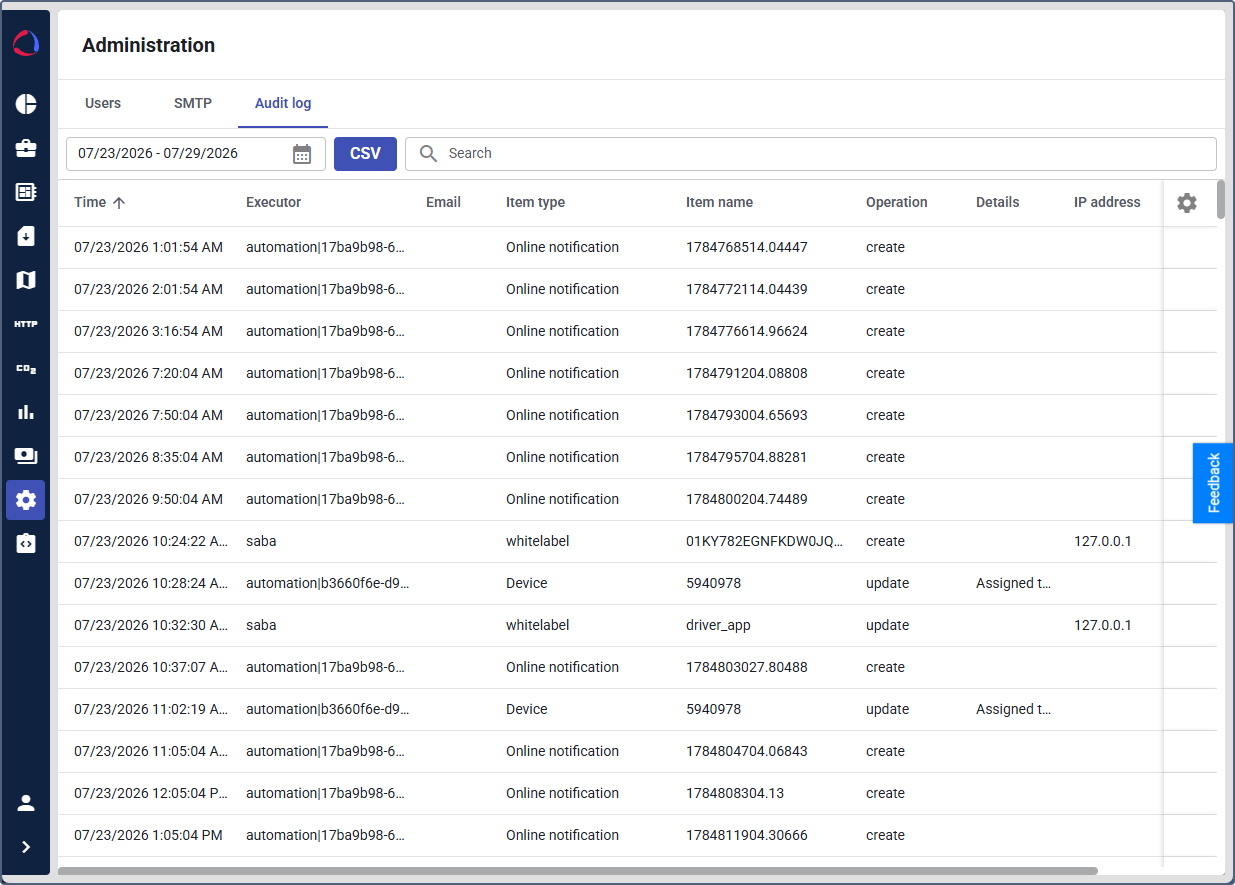
You can request an audit log for a specific period. To do this, set the necessary period using the date picker and click Apply.
To download the audit log in CSV format, click the CSV button.
To filter the table, click the search field and use the necessary filter. The following filters are available: executor, executor’s email, item type, item name, operation, additional address.
You can manage the audit log table in the same way as the table of devices.