White-labeled sites and apps
Who can do it: Service provider
Where: Wialon Platform Studio
You can offer Wialon Platform under your own brand: as a white-labeled site in a browser and as white-labeled Wialon Driver and Wialon Platform mobile apps.
White-labeled sites
You can offer Wialon Platform FleetSpace to your customers under your own brand and custom domain by creating white-labeled sites. Each site has its own URL, logo, color scheme, and login page, so your customers interact with a platform that looks like your own product.
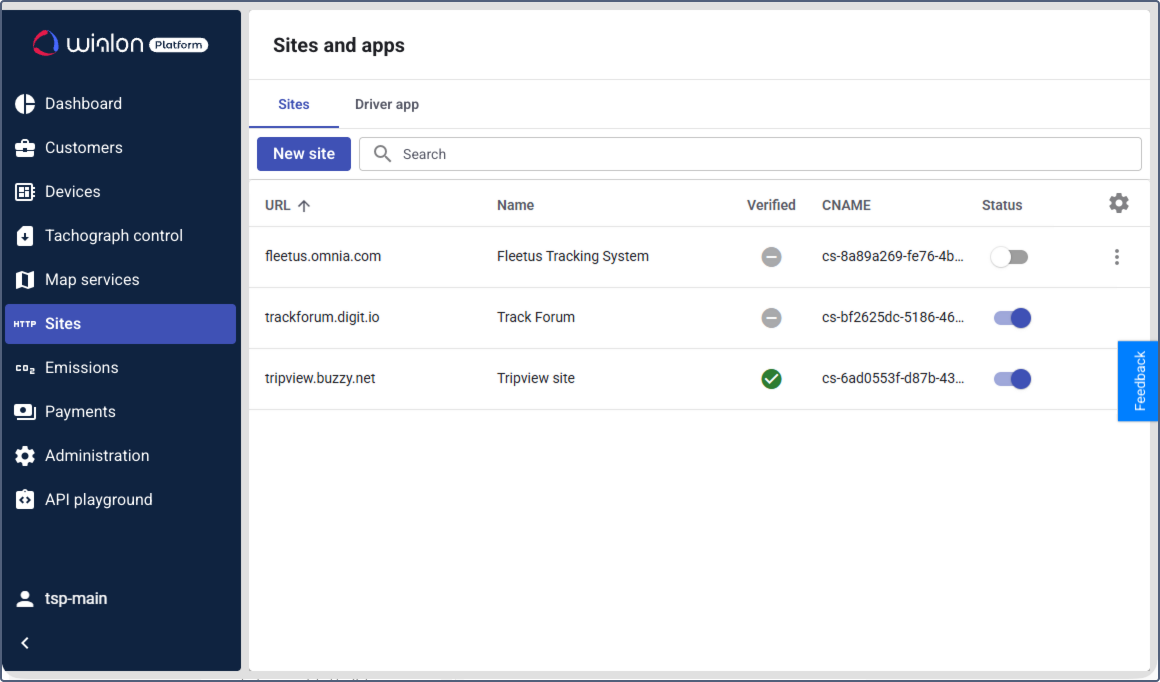
This section covers the following topics:
- Creating and managing white-labeled sites
- Verifying a site
- Customizing the white-label site interface
- Logging in using the identity provider credentials
White-labeled apps
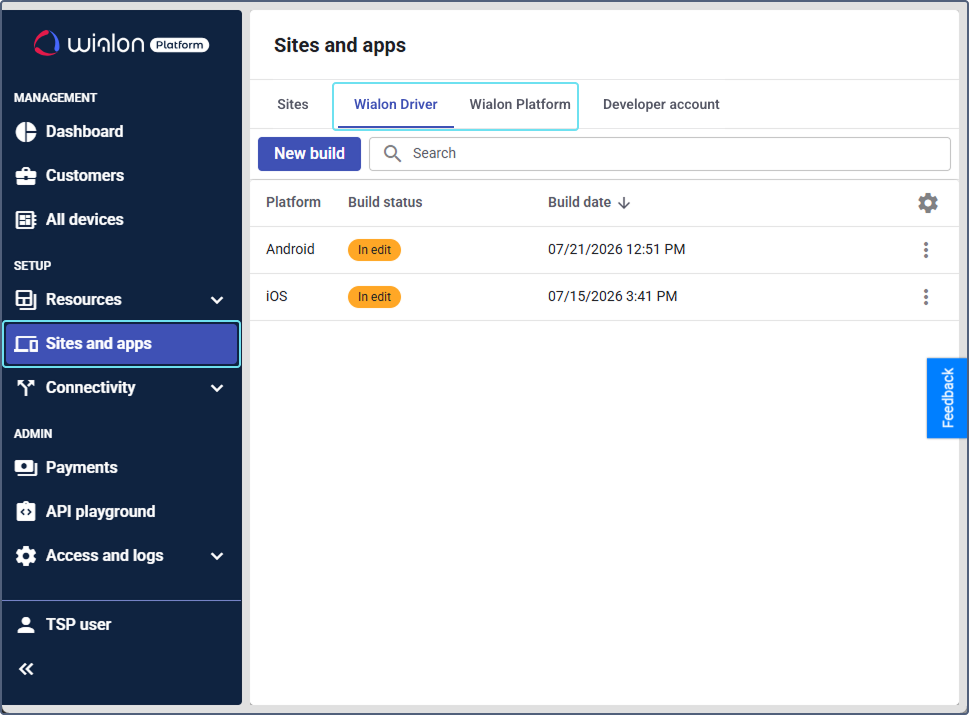
You can create white-labeled versions of Wialon Driver and Wialon Platform mobile application under your own brand, with a custom app name, icon, logo, and color scheme. White-labeled apps are published to the Apple App Store and Google Play Store under your own developer accounts.
White-labeled Wialon Driver and Wialon Platform mobile (FleetSpace app) are configured in a similar way.
Setting up a white-labeled app includes the following steps:
- Configuring developer account: Provide the signing credentials for Android and iOS and the Firebase key. These settings are configured once and apply to all your apps of both types.
- Configuring app branding: Set up the app icon, logos, and theme colors.
- App configuration: Set the app name, bundle ID, contact email, and push notifications.
- Building and managing app versions: Generate app binaries, track build progress, download files, and manage branding on the Wialon Platform tab.
- Uploading builds to app stores: Submit the AAB file to Google Play and the IPA file to the Apple App Store.
After configuring the Developer account on the Sites and apps page in Wialon Platform Studio, select the app you want to create: Driver app or FleetSpace app.